Account Access
Your OneSource account dashboard can be accessed via the Sign In page.
tip
If you have not yet registered a OneSource account, you can do so by following the steps detailed in Get an API Key.
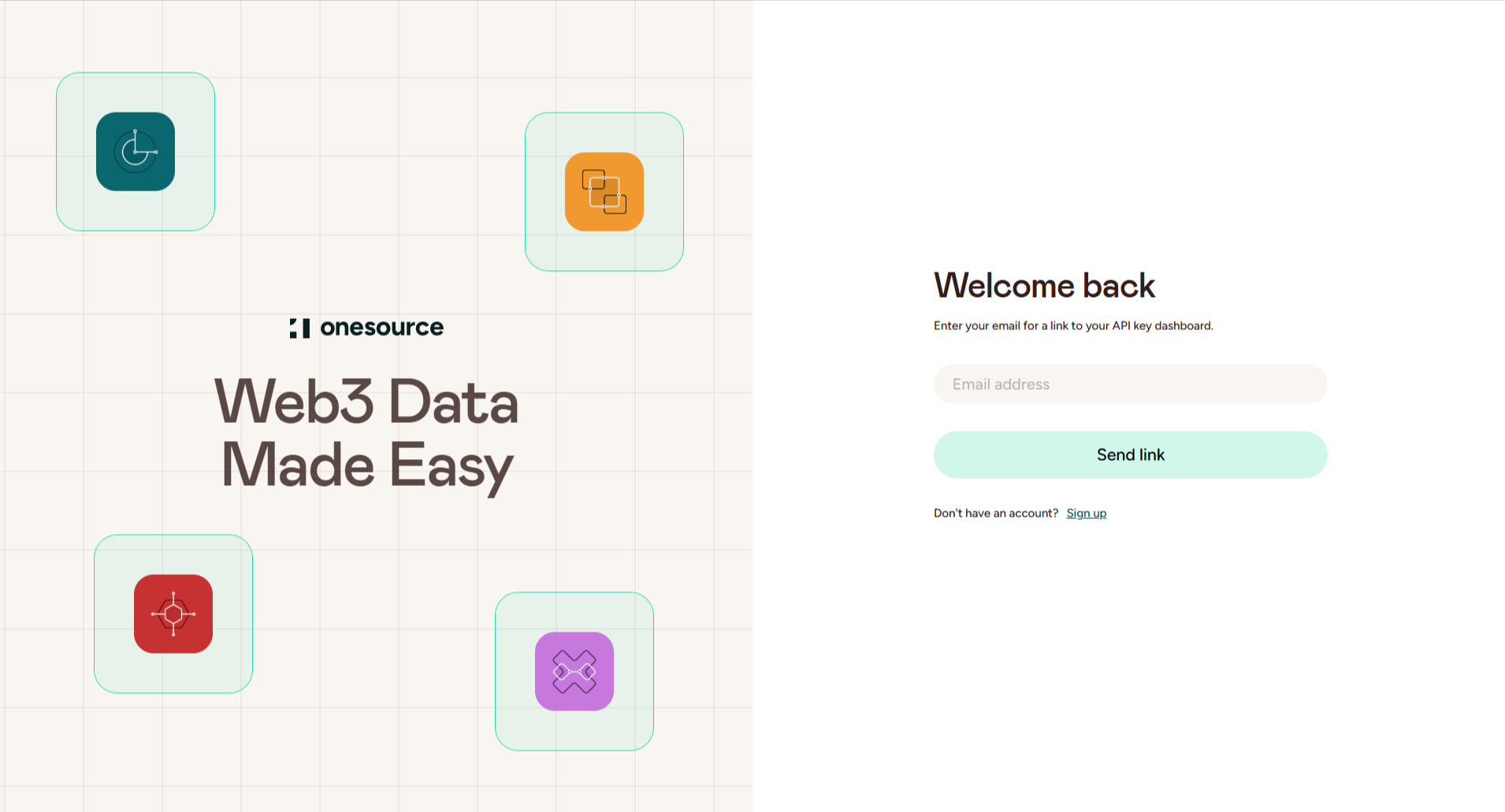
Enter the email address with which you registered and click Send link. An email containing a link to log in to your account will be distributed to the provided email address. Click the link in the email and you will be taken to your OneSource account dashboard.
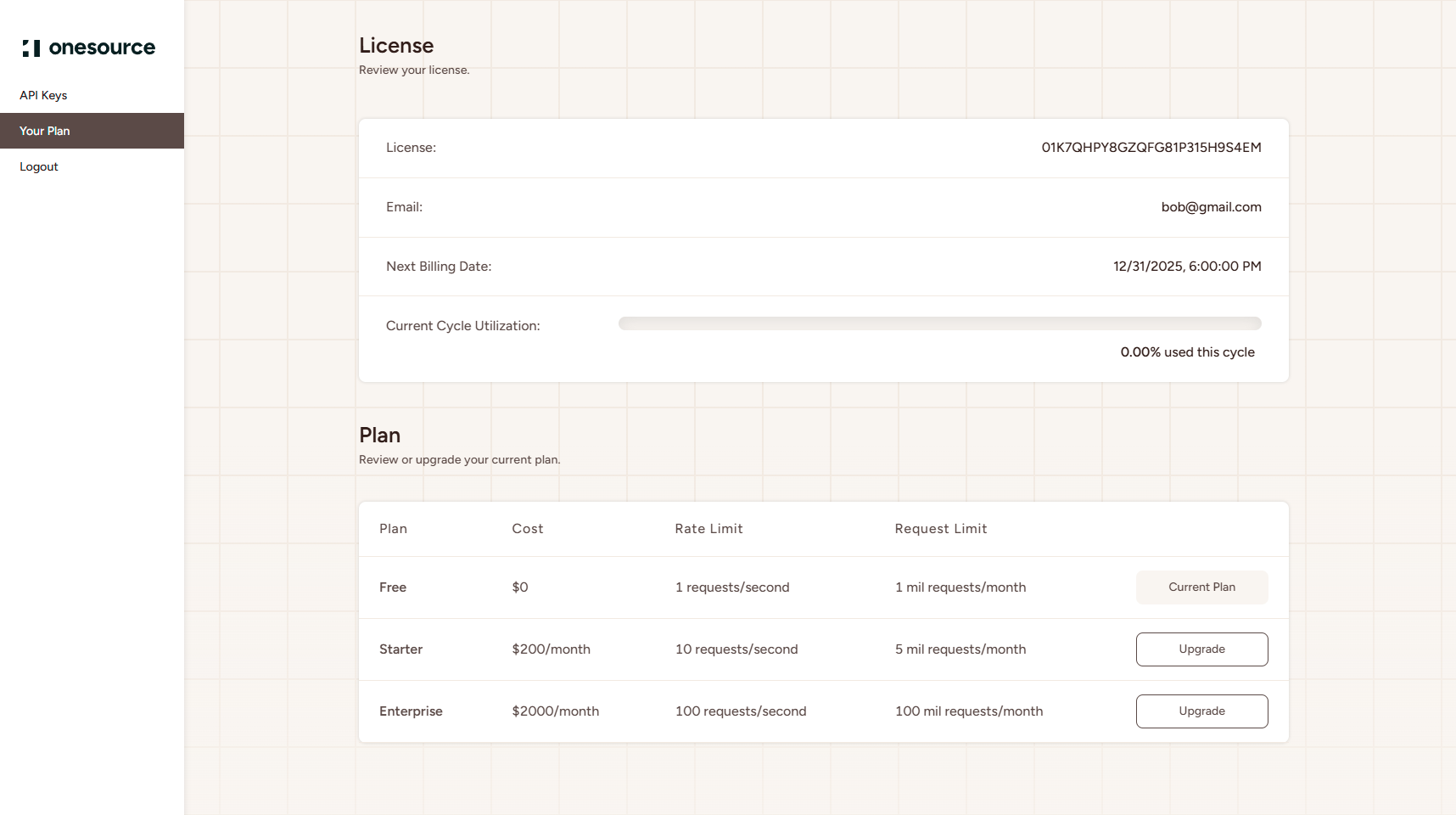
Via your OneSource dashboard you can:
- View your existing API key(s)
- Create a new API key
- Check the status of your subscription plan and API keys
- View your current cycle utilization